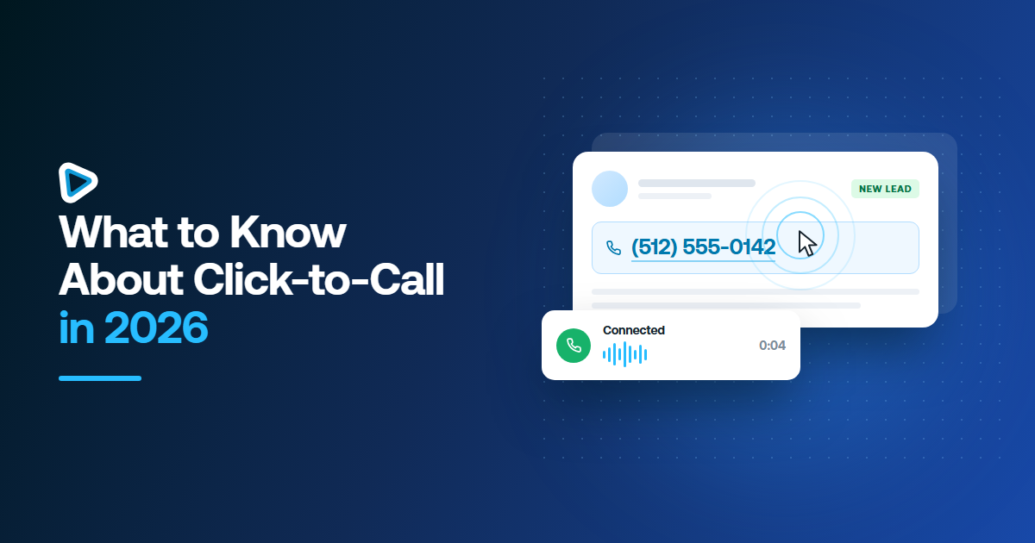
Click-to-call means starting a call from a phone number you are already looking at – one click on a CRM record, and it dials. No copying the number, no switching to another app, no losing the context you just read. That is the whole idea, and it has not changed in years. What changed in 2026 is everything around it: whether the person on the other end sees a call worth answering, and whether the call writes itself back to the record when it ends.
This is the buyer’s view rather than a feature tour. If you want the feature-by-feature breakdown, we wrote that separately in seven click-to-call features for sales teams. Below is what the mechanic actually is, what shifted this year, where it tends to break, and the five things worth checking before you commit.
What click-to-call actually does
It removes a handful of seconds and one context switch from every dial. That sounds small until you multiply it. A rep making 80 calls a day spends real time on copy, paste and tab-switching, and each switch is a chance to lose the note they were reading.
Mechanically, it works because something sits between your CRM and the calling platform and recognizes a phone number as clickable. In smrtPhone that something is a browser extension: you install it from the Chrome Web Store, log in, and enable it from your profile. Inside a CRM the same capability carries a different name – One-Click Calling – which is worth knowing when you go looking for the setting and cannot find the words “click to call” anywhere.
One detail catches people on the first day: the extension needs at least one number on the account before it will dial anything. No number, no call, and the error will not necessarily say so.
There is also a routing choice most people never look at. The extension’s Using Click-to-Call setting decides where a click goes: through the extension itself, which overlays the window and dials immediately, or through the web app, which may open a new tab. The first keeps you on the record. The second is the thing you are trying to escape.
What changed in 2026
Speed stopped being the differentiator. Three things took its place.
Caller identity became the bottleneck
An unregistered number now arrives pre-judged. Carriers label calls before a person chooses whether to pick up, which means the work has moved from dialing faster to being recognizable at all. CNAM registration attaches your business name to outbound calls; Geo Caller ID matches the number you call from to the region you are calling. Neither rescues a bad list, but between two identical calls the labeled one gets answered.
The unanswered call became the interesting one
Most calls are not answered, and for years that was simply accepted. It is now the part of the workflow with the most room in it: what happens in the following minutes decides whether the lead survives. That might be a text in the same thread, a scheduled retry, or an AI agent picking up the follow-up so the rep can keep dialing. The click is no longer the end of the story.
Consent moved earlier
Recording rules and contact consent used to be a compliance review after the fact. They now shape how a team is set up in the first place – who may be called, when, on which number, and whether the call may be recorded in that state. Worth settling before rollout rather than after the first complaint.
Where click-to-call breaks
Four failure modes, in roughly the order teams hit them.
- The call does not log itself. If a rep has to write the call up afterwards, the admin has moved rather than gone. Reps skip it when busy, and your pipeline data quietly becomes fiction. Check where calls land – in smrtPhone they appear in the dashboard under Communication Logs, and notes taken during or right after a call attach to the record.
- Calls get labeled before they ring. Covered above, and the most common reason a team concludes “calling does not work for us” when the dialing was never the problem.
- The integration is shallow. A number that is clickable is not the same as a platform that knows which record you were on. If the call does not carry the record with it, someone is reconciling spreadsheets on Friday.
- Channels live in different places. Click-to-call solves calling, and then the prospect replies by text. If the reply lands in a different inbox, the next person to pick up the conversation starts from nothing.
What to check before you commit to a click-to-call setup
Five questions, in priority order. The first two decide the outcome; the rest are comfort.
- Does it work in our CRM, specifically? Not “integrates with 200 tools” – is there documentation for your CRM, including whatever custom build sits on top of it? smrtPhone documents Podio setups (including REIvolution, BeastMode and DealPro), Salesforce (including Left Main and Billions), InvestorFuse, DataSift, Carrot, Forefront and Realeflow. Look for yours by name on the integrations list rather than trusting a logo wall.
- What writes to the record, automatically, with nobody typing? Duration, outcome, recording, transcript, notes. Anything on that list a human has to enter is a thing that will stop being entered.
- What happens to a missed call? Ask it plainly. A setup that dials fast and drops every unanswered call still leaks the leads you paid for.
- Can we be recognized? Caller-ID registration and area-code matching, and whether they are included or an upgrade.
- Does one person’s conversation survive them leaving? Calls, texts and voicemail on one record, readable by whoever picks it up next.
Who click-to-call is actually for
It suits people who look at a record before they dial: agents working inbound inquiries, reps on considered follow-up, anyone whose next call depends on what the last one revealed. For those teams it removes friction from the one action they repeat all day.
It is the wrong tool for pure volume. If the plan is to work a 2,000-row list until someone answers, clicking each number individually is the bottleneck, and a power dialer is what you want. The honest answer for most teams with a mix of both is that they need each in different seats – and that is a seat-count question, not a platform question.
If you want to see the mechanic rather than read about it, click-to-call in smrtPhone sits inside the CRM your team already uses, and every call, text and voicemail stays on the same record.